 weiconghe
32a3fd9b07
weiconghe
32a3fd9b07
* fix(windows): make the ghost gate's fixture handshake independent of stdout buffering

The revision landed as 155fefce (#3989) fixed the unbounded port probe, but the
gate it was meant to unblock still fails on CI. Every failing run has the same
shape: no stage output, exactly `2 expect() calls`, and the fixture's `ready`
line only visible once the fixture is killed at the 600s cap — while the
fixture's chroma chain is already alive 3s in. The handshake read a redirected
stdout, and a single small line written by a process that then idles can sit
unflushed in that buffer indefinitely.

The fixture now appends every event to an events file (a syscall per call —
nothing left to flush) and keeps the stdout copy for human debugging, plus
emits progress stages with elapsed times. The test reads readiness from the
file, prints `waiting for fixture ready: elapsed=… lastStage=…` every 15s so
the timeline survives even a bun-timeout kill, gives up at 240s (below bun's
cap) with the full events/stdout/stderr dump, and reaps an in-flight
ensureWorkerStarted() during teardown instead of leaving it running past
cleanup.

Locally the gate passes in 41.9s with the stage timeline visible: fixture ready
after 6.1s, ghost confirmed, ensureWorkerStarted 'ready' after 27.4s.

* test(windows): sweep stragglers an abandoned launcher leaves behind

The deadline race cannot cancel ensureWorkerStarted(), so teardown waits for it
— but that wait is time-boxed, and a launcher still mid-flight can spawn its
worker or reclaim the chain AFTER the kills. Fault-injection check (deadline
temporarily at 1s, which abandons the launcher mid-flight): teardown used to
leave a ghost listener on the port and a live isolated chroma chain behind
(ghost owner dead + 3 surviving sidecar processes). Teardown now repeats
"reap the pid-file worker, free the port via the production reclaim" in bounded
rounds until the port is quiet; the same injection now leaves zero listeners
and zero surviving isolated processes, and the green path still passes in 40s.

* test(windows): give the ghost gate's event channel a real contract

The events file this handshake reads was never written. `process.env.X = ...`
does not survive child_process in bun (children get the environment the
runner started with), so the fixture only ever emitted to stdout — and the
reader's stdout fallback hid that: every local run "passed" on the fallback
while CI, where redirected stdout is buffered, kept hanging. Probed:

  A bash-set env   -> child sees it
  B process.env.X  -> child does NOT see it
  C { ...process.env } passed explicitly -> child sees it

- pass the events file path as argv[2] instead (no env anywhere in the
  bun -> powershell -> Start-Process -> bun chain);
- stop reading stdout back: a broken channel must fail loudly, and stdout
  cannot save a buffered CI run anyway;
- events carry the port, so a listener is sweepable without `ready`;
- record the detached fixture's pid the moment Start-Process returns and
  tree-kill from it when readiness never arrives — previously that fixture
  had no teardown handle at all and outlived the run;
- document why the readiness deadline stays far below the 600s test cap.

* test(windows): unbind the ghost gate from the runtime it runs on

Three stalls, one commit, because they only separate under the runtime CI
uses (bun 1.4.x; the local default here is 1.3.6).

- The launch call never returned. execFileSync(powershell ...) with a stdout
  pipe waits for EOF, and the DETACHED fixture inherits that pipe, so it never
  closes while the fixture lives: the call returns only when something kills
  the fixture — which is why every red CI run showed the fixture alive for the
  full 600s and the ready line "after 0ms" (that is the moment the stall ended,
  not a handshake problem). The pid now travels through a file and the call
  runs with stdio 'ignore' — the same shape production's spawnDaemon() uses on
  Windows. Reproduced on bun 1.4.0 locally: the gate now proceeds.

- The scenario is runtime-dependent. bun >= 1.4 no longer inherits the
  listening socket into spawned children: identical code on one machine —
  1.3.6 leaves the port LISTENING under the dead worker, 1.4.0 releases it with
  the worker (the sidecar chain still survives; it just no longer holds the
  socket). Where no ghost forms and the chain was verified present, the gate
  now reports that and skips the recovery assertions instead of failing on the
  runtime's behaviour.

- Every child-process call in the gate is bounded now (taskkill had no
  timeout), and the kill-to-ghost window logs elapsed times, so a future stall
  names the step it is stuck in.




Claude-Mem is now Grok Mem. The package is still claude-mem.
🇨🇳 中文 • 🇹🇼 繁體中文 • 🇯🇵 日本語 • 🇵🇹 Português • 🇧🇷 Português • 🇰🇷 한국어 • 🇪🇸 Español • 🇩🇪 Deutsch • 🇫🇷 Français • 🇮🇱 עברית • 🇸🇦 العربية • 🇷🇺 Русский • 🇵🇱 Polski • 🇨🇿 Čeština • 🇳🇱 Nederlands • 🇹🇷 Türkçe • 🇺🇦 Українська • 🇻🇳 Tiếng Việt • 🇵🇭 Tagalog • 🇮🇩 Indonesia • 🇹🇭 ไทย • 🇮🇳 हिन्दी • 🇧🇩 বাংলা • 🇵🇰 اردو • 🇷🇴 Română • 🇸🇪 Svenska • 🇮🇹 Italiano • 🇬🇷 Ελληνικά • 🇭🇺 Magyar • 🇫🇮 Suomi • 🇩🇰 Dansk • 🇳🇴 Norsk
Grok Mem is how Grok Bots remember. Sits next to Grok's own memory. Does not replace it.






|
|
Quick Start • How It Works • Search Tools • Documentation • Configuration • Troubleshooting • License
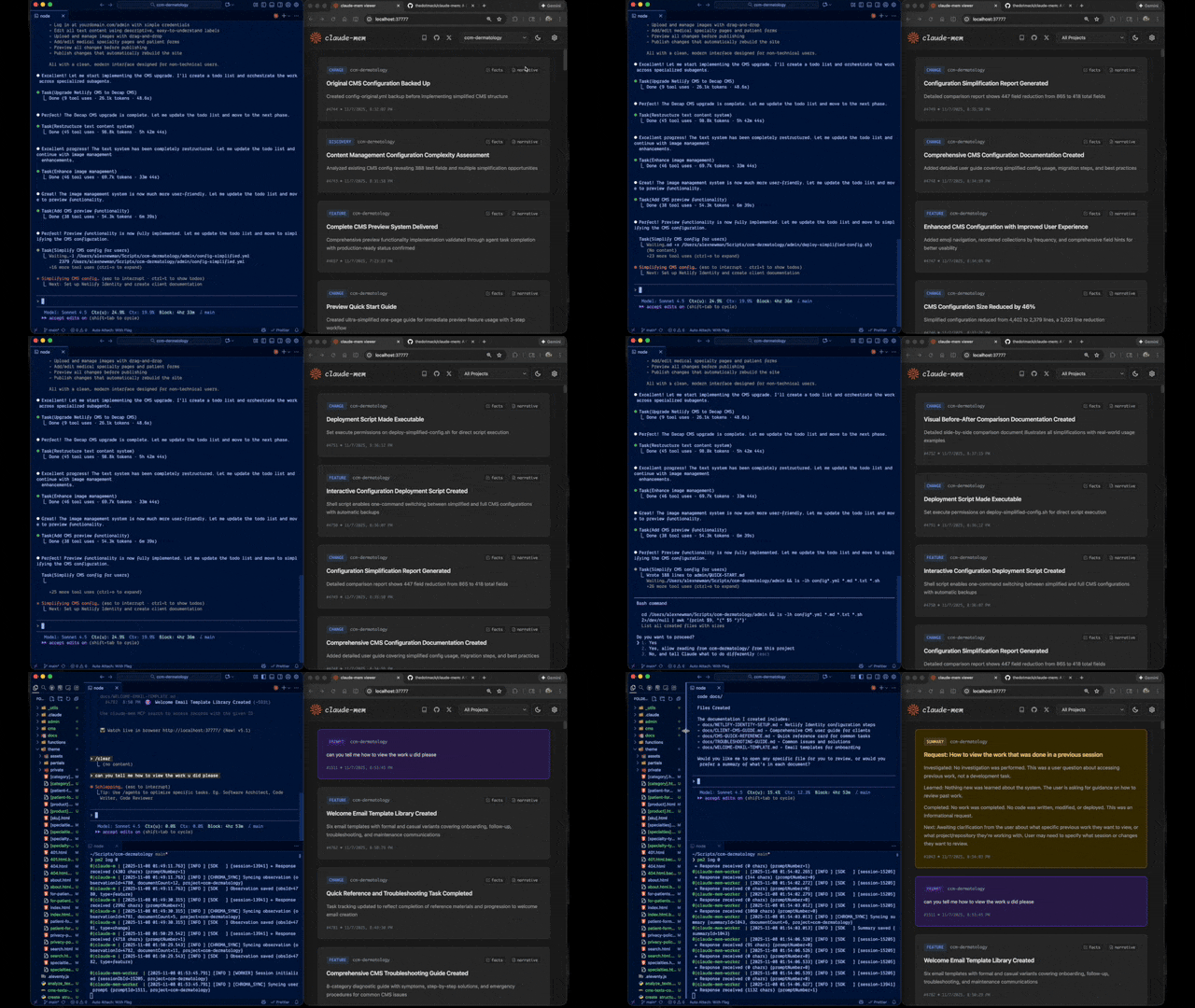
Grok Mem is how Grok Bots remember the work. Grok already remembers you. Grok Mem remembers what the bot did, what we decided, what to do next. Those notes come back in the next chat.
Quick Start
Install Grok Mem for Grok Bot. The package name is still claude-mem.
npx claude-mem install --ide grok-bot
Grok Bot has no host hooks, so we watch the chat log files. Default is CMEM Pro, the hosted memory. Local observer is opt-in: --provider host. Installing this plugin does not install Cursor.
Awareness push pilot (LFG + Orifice): needle observations (decision, bugfix, security_alert, sensitive) are appended as dated - YYYY-MM-DD [awareness] … lines into that bot's memory/log/YYYY-MM.md. Grok Bot already re-reads the log from disk. This does not write profile.md, user-memory, or project memory. Disable with CLAUDE_MEM_GROK_BOT_AWARENESS_ENABLED=false.
Install with a single command:
npx claude-mem install
The installer sets everything up first, then asks you to sign in to claude-mem in your browser (email magic link — no card required). Signing in provisions a memory key for your account and unlocks the claude-mem observer: memory that runs off-plan, free for your first 30 days, so you get up to 100% more usage from your plan. When the free trial ends, memory automatically falls back to your Anthropic plan unless you subscribe. After sign-in you pick your memory provider — the claude-mem observer, your own OpenRouter or Gemini key, or your Anthropic plan.
Prefer to skip the sign-in? Pass an explicit --provider flag, set CLAUDE_MEM_ONLINE_OPTIN=false, or run in CI/non-interactive shells — the installer completes without any account interaction.
Or install for OpenCode:
npx claude-mem install --ide opencode
Or install for Antigravity CLI (setup guide):
npx claude-mem install --ide antigravity
Or install from the plugin marketplace inside Claude Code:
/plugin marketplace add thedotmack/claude-mem

/plugin install claude-mem
Restart Claude Code. Context from previous sessions will automatically appear in new sessions.
Note: Claude-Mem is also published on npm, but
npm install -g claude-meminstalls the SDK/library only — it does not register the plugin hooks or set up the worker service. Always install vianpx claude-mem installor the/plugincommands above.
🦞 OpenClaw Gateway
Install claude-mem as a persistent memory plugin on OpenClaw gateways with a single command:
curl -fsSL https://install.cmem.ai/openclaw.sh | bash
The installer handles dependencies, plugin setup, AI provider configuration, worker startup, and optional real-time observation feeds to Telegram, Discord, Slack, and more. See the OpenClaw Integration Guide for details.
Key Features:
- 🧠 Persistent Memory - Context survives across sessions
- 📊 Progressive Disclosure - Layered memory retrieval with token cost visibility
- 🔍 Skill-Based Search - Query your project history with mem-search skill
- 🖥️ Web Viewer UI - Real-time memory stream at the worker URL printed on startup
- 💻 Claude Desktop Skill - Search memory from Claude Desktop conversations
- 🔒 Privacy Control - Use
<private>tags to exclude sensitive content from storage - ⚙️ Context Configuration - Fine-grained control over what context gets injected
- 🤖 Automatic Operation - No manual intervention required
- 🔗 Citations - Reference past observations with IDs through the worker API or view all in the web viewer
Documentation
📚 View Full Documentation - Browse on official website
Getting Started
- Installation Guide - Quick start & advanced installation
- Usage Guide - How Claude-Mem works automatically
- Search Tools - Query your project history with natural language
- Cloud Sync - Back up your memories to cmem.ai — no daemon, the worker syncs on write
Best Practices
- Context Engineering - AI agent context optimization principles
- Progressive Disclosure - Philosophy behind Claude-Mem's context priming strategy
Architecture
- Overview - System components & data flow
- Architecture Evolution - The journey from v3 to v5
- Hooks Architecture - How Claude-Mem uses lifecycle hooks
- Hooks Reference - 7 hook scripts explained
- Worker Service - HTTP API & Bun management
- Database - SQLite schema & FTS5 search
- Search Architecture - Hybrid search with Chroma vector database
Configuration & Development
- Configuration - Environment variables & settings
- Development - Building, testing, contributing
- Release Branches - Stable, core-dev, and community-edge branch flow
- Troubleshooting - Common issues & solutions
How It Works
Core Components:
- 5 Lifecycle Hooks - SessionStart, UserPromptSubmit, PostToolUse, Stop, SessionEnd (6 hook scripts)
- Smart Install - Cached dependency checker (pre-hook script, not a lifecycle hook)
- Worker Service - Local HTTP API with web viewer UI and search endpoints, managed by Bun
- SQLite Database - Stores sessions, observations, summaries
- mem-search Skill - Natural language queries with progressive disclosure
- Chroma Vector Database - Hybrid semantic + keyword search for intelligent context retrieval
See Architecture Overview for details.
MCP Search Tools
Claude-Mem provides intelligent memory search through 4 MCP tools following a token-efficient 3-layer workflow pattern:
The 3-Layer Workflow:
search- Get compact index with IDs (~50-100 tokens/result)timeline- Get chronological context around interesting resultsget_observations- Fetch full details ONLY for filtered IDs (~500-1,000 tokens/result)
How It Works:
- Claude uses MCP tools to search your memory
- Start with
searchto get an index of results - Use
timelineto see what was happening around specific observations - Use
get_observationsto fetch full details for relevant IDs - ~10x token savings by filtering before fetching details
Available MCP Tools:
search- Search memory index with full-text queries, filters by type/date/projecttimeline- Get chronological context around a specific observation or queryget_observations- Fetch full observation details by IDs (always batch multiple IDs)
Example Usage:
// Step 1: Search for index
search(query="authentication bug", type="bugfix", limit=10)

// Step 2: Review index, identify relevant IDs (e.g., #123, #456)

// Step 3: Fetch full details
get_observations(ids=[123, 456])
See Search Tools Guide for detailed examples.
Release Branches
Stable releases ship from main and are published to npm. core-dev and
community-edge are source-run branches for early reliability fixes and
community integrations. See Release Branches
for the branch flow and non-stable run instructions.
System Requirements
- Node.js: 20.0.0 or higher
- Claude Code: Latest version with plugin support
- Bun: JavaScript runtime and process manager (auto-installed if missing)
- uv: Python package manager for vector search (auto-installed if missing)
- SQLite 3: For persistent storage (bundled)
Windows Setup Notes
If you see an error like:
npm : The term 'npm' is not recognized as the name of a cmdlet
Make sure Node.js and npm are installed and added to your PATH. Download the latest Node.js installer from https://nodejs.org and restart your terminal after installation.
Configuration
Settings are managed in ~/.claude-mem/settings.json (auto-created with defaults on first run). Configure AI model, worker port, data directory, log level, and context injection settings.
See the Configuration Guide for all available settings and examples.
Mode & Language Configuration
Claude-Mem supports multiple workflow modes and languages via the CLAUDE_MEM_MODE setting.
This option controls both:
- The workflow behavior (e.g. code, chill, investigation)
- The language used in generated observations
How to Configure
Edit your settings file at ~/.claude-mem/settings.json:
{
  "CLAUDE_MEM_MODE": "code--zh"
}
Modes are defined in plugin/modes/. To see all available modes locally:
ls ~/.claude/plugins/marketplaces/thedotmack/plugin/modes/
Available Modes
| Mode | Description |
|---|---|
code |
Default English mode |
code--zh |
Simplified Chinese mode |
code--ja |
Japanese mode |
Language-specific modes follow the pattern code--[lang] where [lang] is the ISO 639-1 language code (e.g., zh for Chinese, ja for Japanese, es for Spanish).
Note:
code--zh(Simplified Chinese) is already built-in — no additional installation or plugin update is required.
After Changing Mode
Restart Claude Code to apply the new mode configuration.
Development
See the Development Guide for build instructions, testing, and contribution workflow.
Troubleshooting
If experiencing issues, describe the problem to Claude and the troubleshoot skill will automatically diagnose and provide fixes.
See the Troubleshooting Guide for common issues and solutions.
Bug Reports
Create comprehensive bug reports with the automated generator:
cd ~/.claude/plugins/marketplaces/thedotmack
npm run bug-report
Contributing
Contributions are welcome! Please:
- Fork the repository
- Create a feature branch
- Make your changes with tests
- Update documentation
- Submit a Pull Request
Claude-Mem ships from three branches: main (stable), core-dev, and
community-edge. Only main is published to npm; the others are run from
source. See Release Branches for the
strategy and local run instructions.
See Development Guide for contribution workflow.
License
Claude-Mem is licensed under the Apache License 2.0.
We chose Apache-2.0 because durable agentic memory should be easy to embed in developer tools, local agents, MCP servers, enterprise systems, robotics stacks, and production agent harnesses.
See the LICENSE file for full details. See docs/license.md and docs/ip-boundary.md for licensing scope and the open/commercial boundary.
Note on Ragtime: The ragtime/ directory is licensed under the Apache License 2.0. See ragtime/LICENSE for details.
Support
- Documentation: docs/
- Issues: GitHub Issues
- Repository: github.com/thedotmack/claude-mem
- Official X Account: @Claude_Memory
- Official Discord: Join Discord
- Author: Alex Newman (@thedotmack)
Built with Claude Agent SDK | Works with Claude Code | Made with TypeScript
What About CMEM?
CMEM is a token created by a 3rd party but officially embraced by the creator of Claude-Mem (Alex Newman, @thedotmack). The token acts as a community catalyst for growth and a vehicle for bringing CMEM to the developers and knowledge workers that need it most.
Official BASE CA: 0x76b1967eec0ccaeb001bbbb2b40dc4badba31ba3