 Michael Ramos
e46815d8ea
Michael Ramos
e46815d8ea
* feat: named image references and annotate command (#67, #109)

Add human-readable names to image attachments throughout the annotation
pipeline, and add a new `plannotator annotate <file.md>` command for
annotating arbitrary markdown files.

Image names: ImageAttachment type replaces plain string paths, upload
endpoints return originalName, editable name inputs under thumbnails,
[name] path format in exported feedback, backward-compatible sharing.

Annotate command: new server module reusing plan editor HTML with
mode:"annotate", CLI subcommand, slash commands for Claude Code and
OpenCode, annotate mode UI (hides Approve, shows Send Annotations).

Co-Authored-By: Claude Opus 4.6 <noreply@anthropic.com>

* refactor: move image name input to ImageAnnotator screen

The name input now appears on the full-screen annotator modal that opens
immediately when uploading/pasting an image, pre-populated from the
filename. Removes the disruptive inline name editing from thumbnails.

Co-Authored-By: Claude Opus 4.6 <noreply@anthropic.com>

* fix: stale closure in paste handler, update CLAUDE.md for new features

Fix race condition where globalAttachments was captured as empty array
in the paste event listener (missing dependency). Also update CLAUDE.md
to document ImageAttachment type, annotate server/flow, updated sharing
format with image support, and new slash commands.

Co-Authored-By: Claude Opus 4.6 <noreply@anthropic.com>

---------

Co-authored-by: Claude Opus 4.6 <noreply@anthropic.com>
@plannotator/opencode
Annotate plans. Not in the terminal.
Interactive Plan Review for OpenCode. Select the exact parts of the plan you want to change—mark for deletion, add a comment, or suggest a replacement. Feedback flows back to your agent automatically.
Obsidian users can auto-save approved plans to Obsidian as well. See details
Watch Demo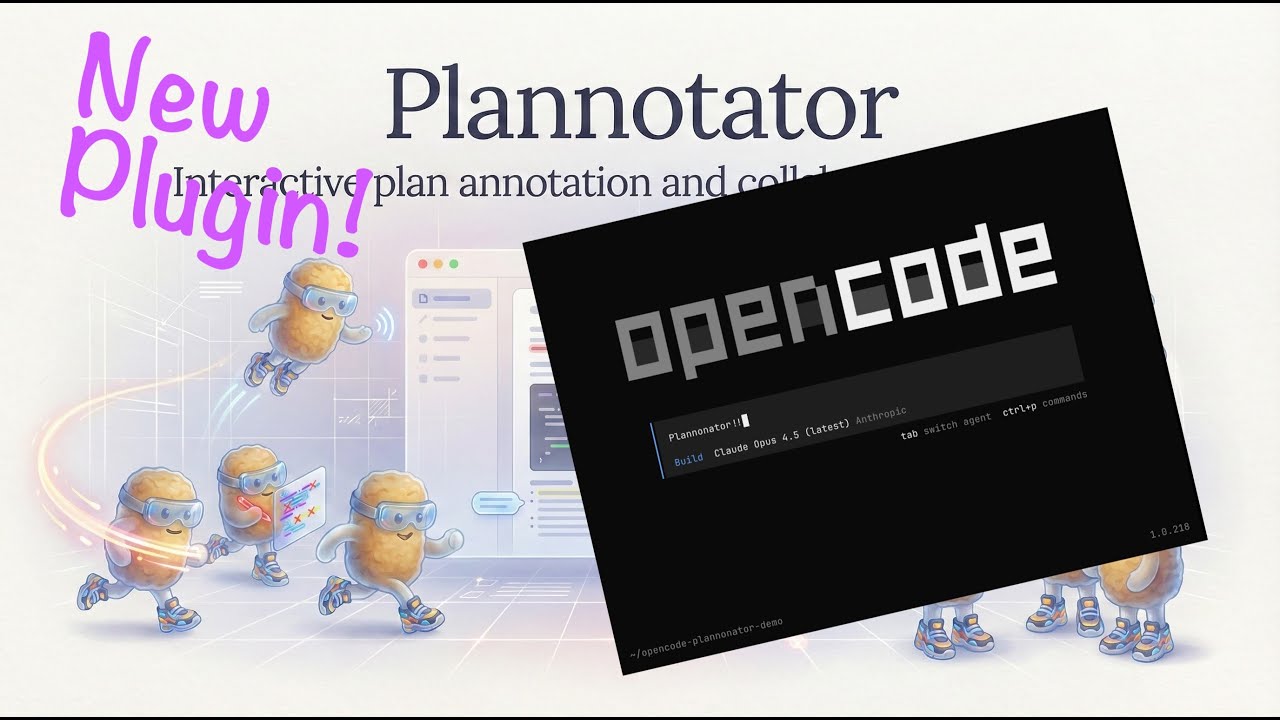
|
Install
Add to your opencode.json:
{
  "$schema": "https://opencode.ai/config.json",
  "plugin": ["@plannotator/opencode@latest"]
}
Restart OpenCode. The submit_plan tool is now available.
Slash commands: Run the install script to get
/plannotator-review:curl -fsSL https://plannotator.ai/install.sh | bashThis also clears any cached plugin versions.
How It Works
- Agent calls
submit_plan→ Plannotator opens in your browser - Select text → annotate (delete, replace, comment)
- Approve → Agent proceeds with implementation
- Request changes → Annotations sent back as structured feedback
Features
- Visual annotations: Select text, choose an action, see feedback in the sidebar
- Runs locally: No network requests. Plans never leave your machine.
- Private sharing: Plans and annotations compress into the URL itself—share a link, no accounts or backend required
- Obsidian integration: Auto-save approved plans to your vault with frontmatter and tags
Environment Variables
| Variable | Description |
|---|---|
PLANNOTATOR_REMOTE |
Set to 1 for remote mode (devcontainer, SSH). Uses fixed port and skips browser open. |
PLANNOTATOR_PORT |
Fixed port to use. Default: random locally, 19432 for remote sessions. |
PLANNOTATOR_BROWSER |
Custom browser to open plans in. macOS: app name or path. Linux/Windows: executable path. |
PLANNOTATOR_SHARE_URL |
Custom share portal URL for self-hosting. Default: https://share.plannotator.ai. |
Devcontainer / Docker
Works in containerized environments. Set the env vars and forward the port:
{
  "containerEnv": {
    "PLANNOTATOR_REMOTE": "1",
    "PLANNOTATOR_PORT": "9999"
  },
  "forwardPorts": [9999]
}
Then open http://localhost:9999 when submit_plan is called.
See devcontainer.md for full setup details.
Obsidian Integration
Save approved plans directly to your Obsidian vault.
- Open Settings in Plannotator UI
- Enable "Obsidian Integration" and select your vault
- Approved plans save automatically with:
- Human-readable filenames:
Title - Jan 2, 2026 2-30pm.md - YAML frontmatter (
created,source,tags) - Auto-extracted tags from plan title and code languages
- Backlink to
[[Plannotator Plans]]for graph view
- Human-readable filenames:
Links
License
Copyright 2025 backnotprop Licensed under MIT or Apache-2.0.