 Michael Ramos
0b4c499988
Michael Ramos
0b4c499988
* fix(remote): notify URL in remote mode for OpenCode and Pi (#551, #574)

PR #440 removed writeRemoteShareLink from OpenCode because the base64
share URL flooded the TUI — but no replacement was added. Remote users
got zero feedback about where the server was listening.

OpenCode: log the short localhost URL via client.app.log() in all onReady
callbacks (submit_plan, review, annotate, annotate-last, archive).

Pi: check isRemoteSession() directly instead of relying on the openBrowser
return value, which only sets isRemote when BROWSER env is unset. Users
running via Cursor (which sets BROWSER) now get the notification.

* fix(pi): use neutral URL notification for remote sessions

The previous wording ("Remote session. Open manually:") implied the
browser failed even when BROWSER env successfully opened it via port
forwarding. Use a neutral informational message instead.
@plannotator/opencode
Annotate plans. Not in the terminal.
Interactive Plan Review for OpenCode. Select the exact parts of the plan you want to change—mark for deletion, add a comment, or suggest a replacement. Feedback flows back to your agent automatically.
Obsidian users can auto-save approved plans to Obsidian as well. See details
Watch Demo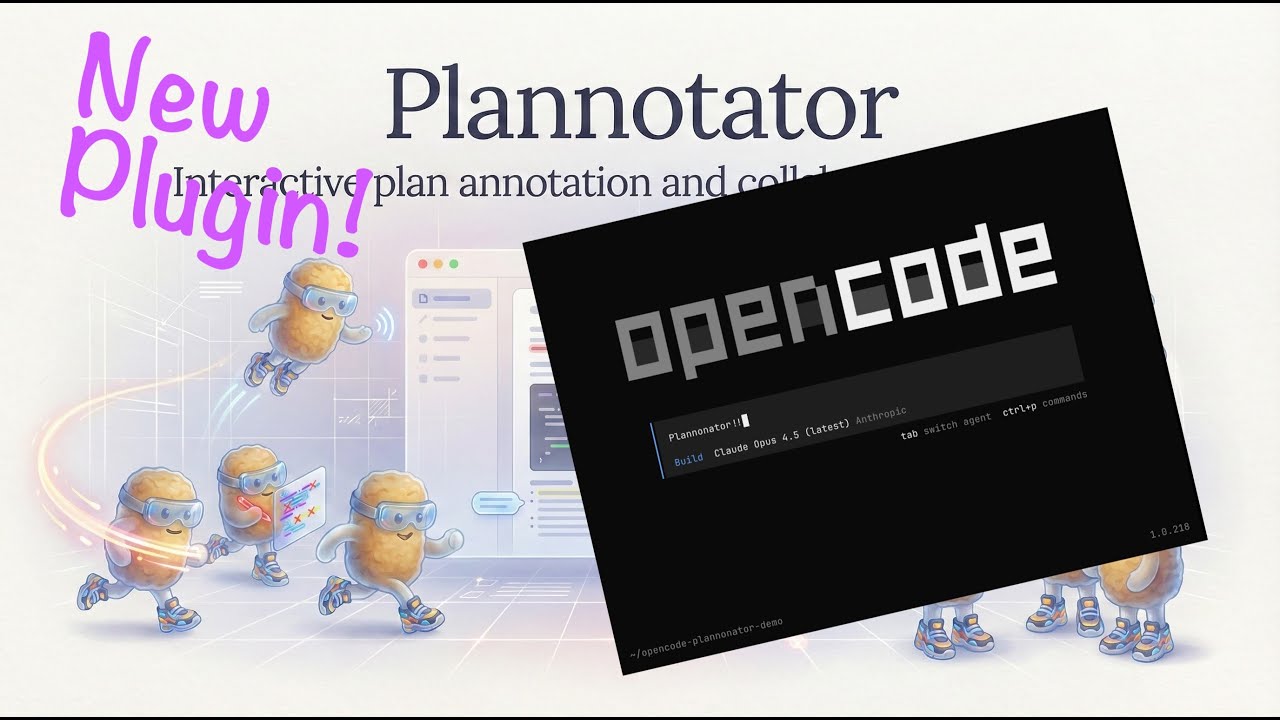
|
Install
Add to your opencode.json:
{
  "$schema": "https://opencode.ai/config.json",
  "plugin": ["@plannotator/opencode@latest"]
}
Restart OpenCode. By default, the submit_plan tool is available to OpenCode's plan agent, not to build or other primary agents.
Slash commands: Run the install script to get
/plannotator-review,/plannotator-annotate, and/plannotator-last:curl -fsSL https://plannotator.ai/install.sh | bashThis also clears any cached plugin versions.
Workflow Modes
Plannotator supports three OpenCode workflows:
plan-agent(default):submit_planis available to OpenCode's built-inplanagent plus any extra agents listed inplanningAgents. This keeps Plannotator integrated with OpenCode plan mode without nudgingbuildto call it.manual:submit_planis not registered. Use/plannotator-last,/plannotator-annotate,/plannotator-review, and/plannotator-archivewhen you want Plannotator.all-agents: legacy broad behavior. Primary agents can see and callsubmit_plan.
Default config:
{
  "$schema": "https://opencode.ai/config.json",
  "plugin": [
    ["@plannotator/opencode@latest", {
      "workflow": "plan-agent",
      "planningAgents": ["plan"]
    }]
  ]
}
If you use other OpenCode plugins, keep everything in one plugin array and attach Plannotator's options directly to the Plannotator entry:
{
  "$schema": "https://opencode.ai/config.json",
  "plugin": [
    ["@plannotator/opencode@latest", {
      "workflow": "plan-agent",
      "planningAgents": ["plan", "sisyphus"]
    }],
    "@tarquinen/opencode-dcp@latest",
    "octto",
    "oh-my-opencode-slim"
  ]
}
Do not put { "workflow": "plan-agent" } as its own item in the plugin array. OpenCode plugin entries must be either a plugin string or a two-item array like [pluginName, options].
Restore the old broad behavior:
{
  "$schema": "https://opencode.ai/config.json",
  "plugin": [
    ["@plannotator/opencode@latest", {
      "workflow": "all-agents"
    }]
  ]
}
Use commands only:
{
  "$schema": "https://opencode.ai/config.json",
  "plugin": [
    ["@plannotator/opencode@latest", {
      "workflow": "manual"
    }]
  ]
}
How It Works
- The configured planning agent calls
submit_plan→ Plannotator opens in your browser - Select text → annotate (delete, replace, comment)
- Approve → Agent proceeds with implementation
- Request changes → Annotations sent back as structured feedback
Features
- Visual annotations: Select text, choose an action, see feedback in the sidebar
- Runs locally: No network requests. Plans never leave your machine.
- Private sharing: Plans and annotations compress into the URL itself—share a link, no accounts or backend required
- Plan Diff: See what changed when the agent revises a plan after feedback
- Annotate last message: Run
/plannotator-lastto annotate the agent's most recent response - Annotate files, folders, and URLs: Run
/plannotator-annotatewhen you want manual review of an artifact - Obsidian integration: Auto-save approved plans to your vault with frontmatter and tags
Environment Variables
| Variable | Description |
|---|---|
PLANNOTATOR_REMOTE |
Set to 1 / true for remote mode, 0 / false for local mode, or leave unset for SSH auto-detection. Uses a fixed port in remote mode; browser-opening behavior depends on the environment. |
PLANNOTATOR_PORT |
Fixed port to use. Default: random locally, 19432 for remote sessions. |
PLANNOTATOR_BROWSER |
Custom browser to open plans in. macOS: app name or path. Linux/Windows: executable path. |
PLANNOTATOR_SHARE_URL |
Custom share portal URL for self-hosting. Default: https://share.plannotator.ai. |
PLANNOTATOR_PASTE_URL |
Custom paste service URL for self-hosting. Default: https://plannotator-paste.plannotator.workers.dev. |
PLANNOTATOR_PLAN_TIMEOUT_SECONDS |
Timeout for submit_plan review wait. Default: 345600 (96h). Set 0 to disable timeout. |
Devcontainer / Docker
Works in containerized environments. Set the env vars and forward the port:
{
  "containerEnv": {
    "PLANNOTATOR_REMOTE": "1",
    "PLANNOTATOR_PORT": "9999"
  },
  "forwardPorts": [9999]
}
If nothing opens automatically, open http://localhost:9999 when submit_plan is called.
See devcontainer.md for full setup details.
Obsidian Integration
Save approved plans directly to your Obsidian vault.
- Open Settings in Plannotator UI
- Enable "Obsidian Integration" and select your vault
- Approved plans save automatically with:
- Human-readable filenames:
Title - Jan 2, 2026 2-30pm.md - YAML frontmatter (
created,source,tags) - Auto-extracted tags from plan title and code languages
- Backlink to
[[Plannotator Plans]]for graph view
- Human-readable filenames:
Links
License
Copyright 2025 backnotprop Licensed under MIT or Apache-2.0.