 dgrissen2
026194ad06
dgrissen2
026194ad06
Add case-insensitive file resolution so users can open markdown files
without typing exact paths. Applies to both the CLI (`plannotator
annotate`) and the `/api/doc` endpoint for linked documents.

Resolution strategies (tried in order):
1. Exact path — absolute or relative to cwd (existing behavior)
2. Case-insensitive relative path — `docs/setup.md` matches `docs/SETUP.md`
3. Bare filename search — `setup.md` searches the entire project tree

Ambiguity handling:
- 1 match → opens the file, prints "Resolved: /full/path"
- 0 matches → "File not found: <input>"
- 2+ matches → "Ambiguous filename: found N matches" with full paths

Skips node_modules, .git, dist, build, .next, __pycache__, .obsidian,
.trash during search. Restricts results to .md/.mdx/.markdown files
and enforces project root boundary (no path traversal).

Extracted shared resolveMarkdownFile() into packages/server/resolve-file.ts
and refactored /api/doc handler to use it, removing ~40 lines of inline
resolution logic.

Co-authored-by: Claude Opus 4.6 <noreply@anthropic.com>
Co-authored-by: Michael Ramos <mdramos8@gmail.com>
@plannotator/opencode
Annotate plans. Not in the terminal.
Interactive Plan Review for OpenCode. Select the exact parts of the plan you want to change—mark for deletion, add a comment, or suggest a replacement. Feedback flows back to your agent automatically.
Obsidian users can auto-save approved plans to Obsidian as well. See details
Watch Demo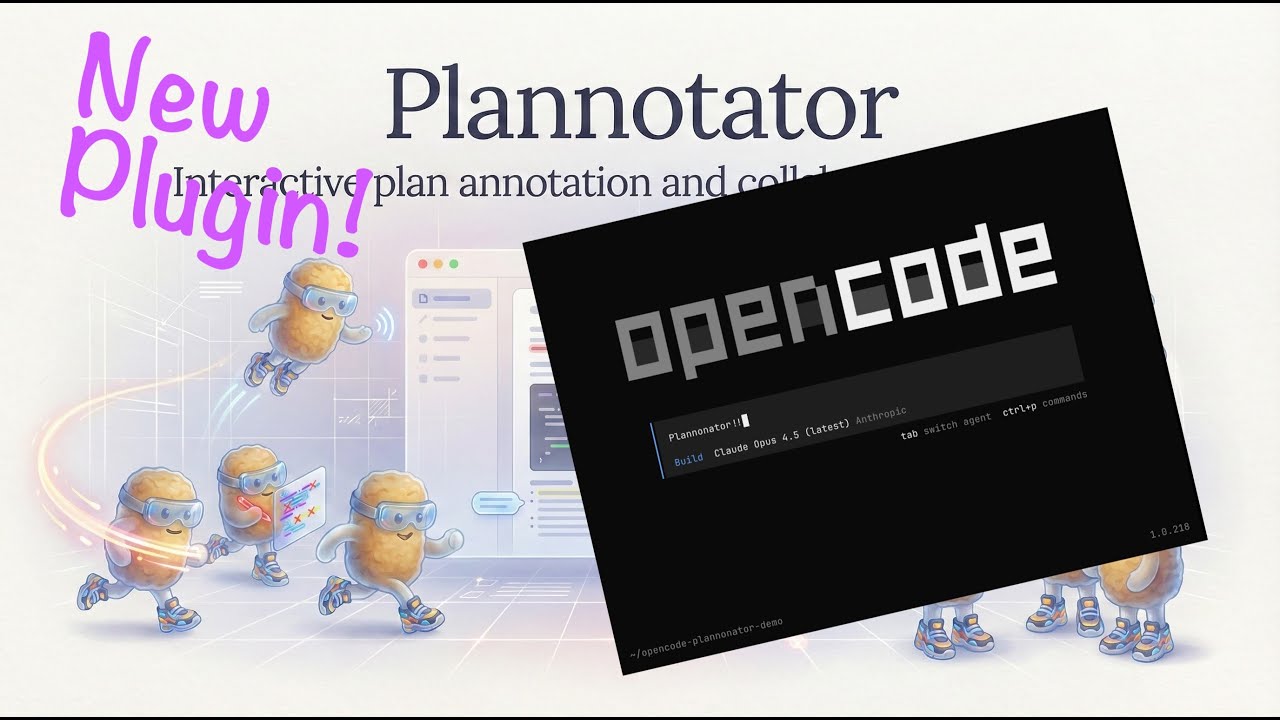
|
Install
Add to your opencode.json:
{
  "$schema": "https://opencode.ai/config.json",
  "plugin": ["@plannotator/opencode@latest"]
}
Restart OpenCode. The submit_plan tool is now available.
Slash commands: Run the install script to get
/plannotator-review:curl -fsSL https://plannotator.ai/install.sh | bashThis also clears any cached plugin versions.
How It Works
- Agent calls
submit_plan→ Plannotator opens in your browser - Select text → annotate (delete, replace, comment)
- Approve → Agent proceeds with implementation
- Request changes → Annotations sent back as structured feedback
Features
- Visual annotations: Select text, choose an action, see feedback in the sidebar
- Runs locally: No network requests. Plans never leave your machine.
- Private sharing: Plans and annotations compress into the URL itself—share a link, no accounts or backend required
- Plan Diff: See what changed when the agent revises a plan after feedback
- Obsidian integration: Auto-save approved plans to your vault with frontmatter and tags
Environment Variables
| Variable | Description |
|---|---|
PLANNOTATOR_REMOTE |
Set to 1 for remote mode (devcontainer, SSH). Uses fixed port and skips browser open. |
PLANNOTATOR_PORT |
Fixed port to use. Default: random locally, 19432 for remote sessions. |
PLANNOTATOR_BROWSER |
Custom browser to open plans in. macOS: app name or path. Linux/Windows: executable path. |
PLANNOTATOR_SHARE_URL |
Custom share portal URL for self-hosting. Default: https://share.plannotator.ai. |
PLANNOTATOR_PLAN_TIMEOUT_SECONDS |
Timeout for submit_plan review wait. Default: 345600 (96h). Set 0 to disable timeout. |
Devcontainer / Docker
Works in containerized environments. Set the env vars and forward the port:
{
  "containerEnv": {
    "PLANNOTATOR_REMOTE": "1",
    "PLANNOTATOR_PORT": "9999"
  },
  "forwardPorts": [9999]
}
Then open http://localhost:9999 when submit_plan is called.
See devcontainer.md for full setup details.
Obsidian Integration
Save approved plans directly to your Obsidian vault.
- Open Settings in Plannotator UI
- Enable "Obsidian Integration" and select your vault
- Approved plans save automatically with:
- Human-readable filenames:
Title - Jan 2, 2026 2-30pm.md - YAML frontmatter (
created,source,tags) - Auto-extracted tags from plan title and code languages
- Backlink to
[[Plannotator Plans]]for graph view
- Human-readable filenames:
Links
License
Copyright 2025 backnotprop Licensed under MIT or Apache-2.0.